Online Bill Check LESCO 2025 Easy Guide
Table of Contents
Introduction to LESCO Online Bill Check
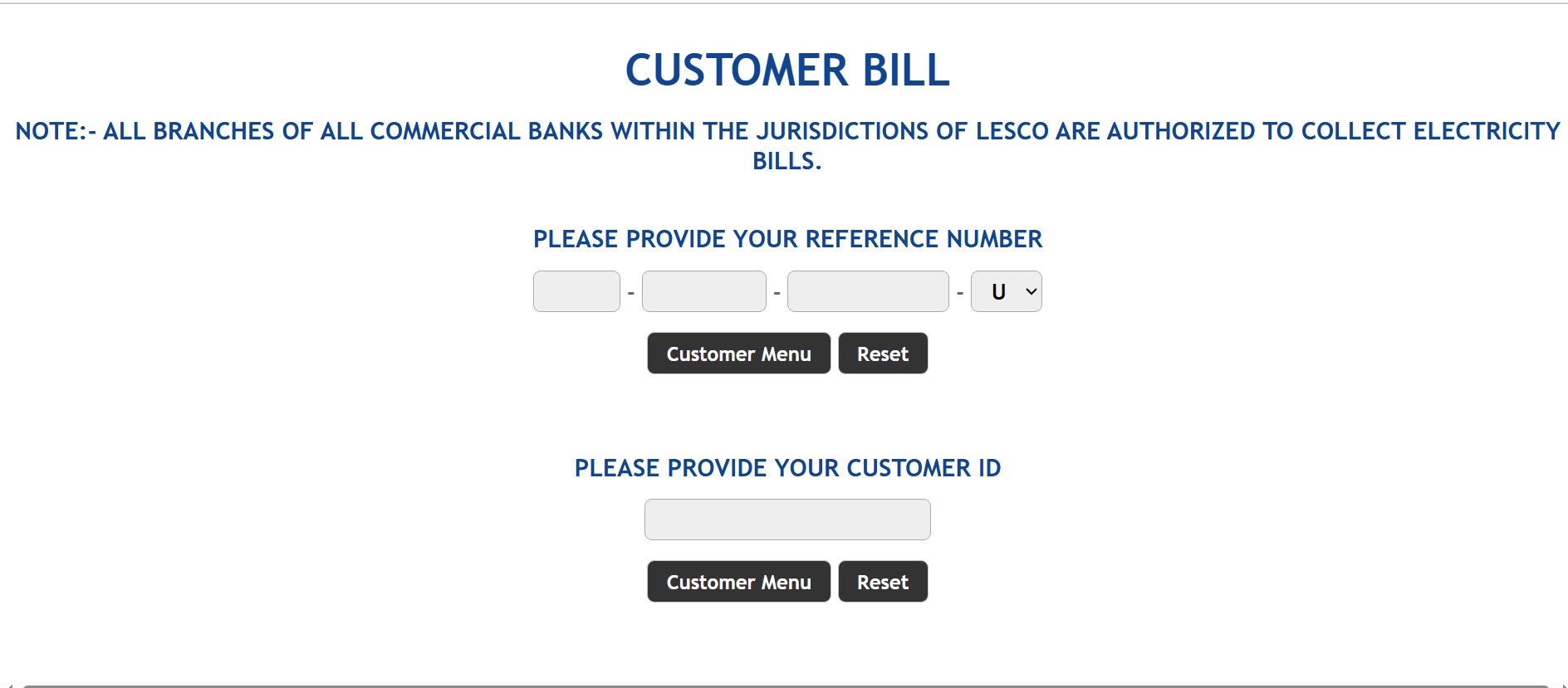
Managing electricity bills is a crucial part of household budgeting. With the introduction of online bill check LESCO, customers in Lahore, Kasur, Sheikhupura, and Okara can now easily view and pay their bills from home. The system works through a Customer ID, making it simpler than the old reference number system.
Not only does this save time, but it also helps avoid late payments and unnecessary surcharges. In this article, we’ll cover the step-by-step guide to online bill check LESCO, explore payment methods, share tariff details, and even provide insights into FESCO bills for users in Faisalabad and surrounding regions.
What is Customer ID in LESCO Bill?
The Customer ID is a unique number assigned to each LESCO connection. It is printed at the top of your electricity bill and serves as your identification for all online services.
Key Features of Customer ID:
- Easier to remember than the old reference number
- Used for checking bills, payments, and complaints
- Necessary for duplicate bill downloads
- Required for online applications and tracking
Step-by-Step Guide to Online Bill Check LESCO
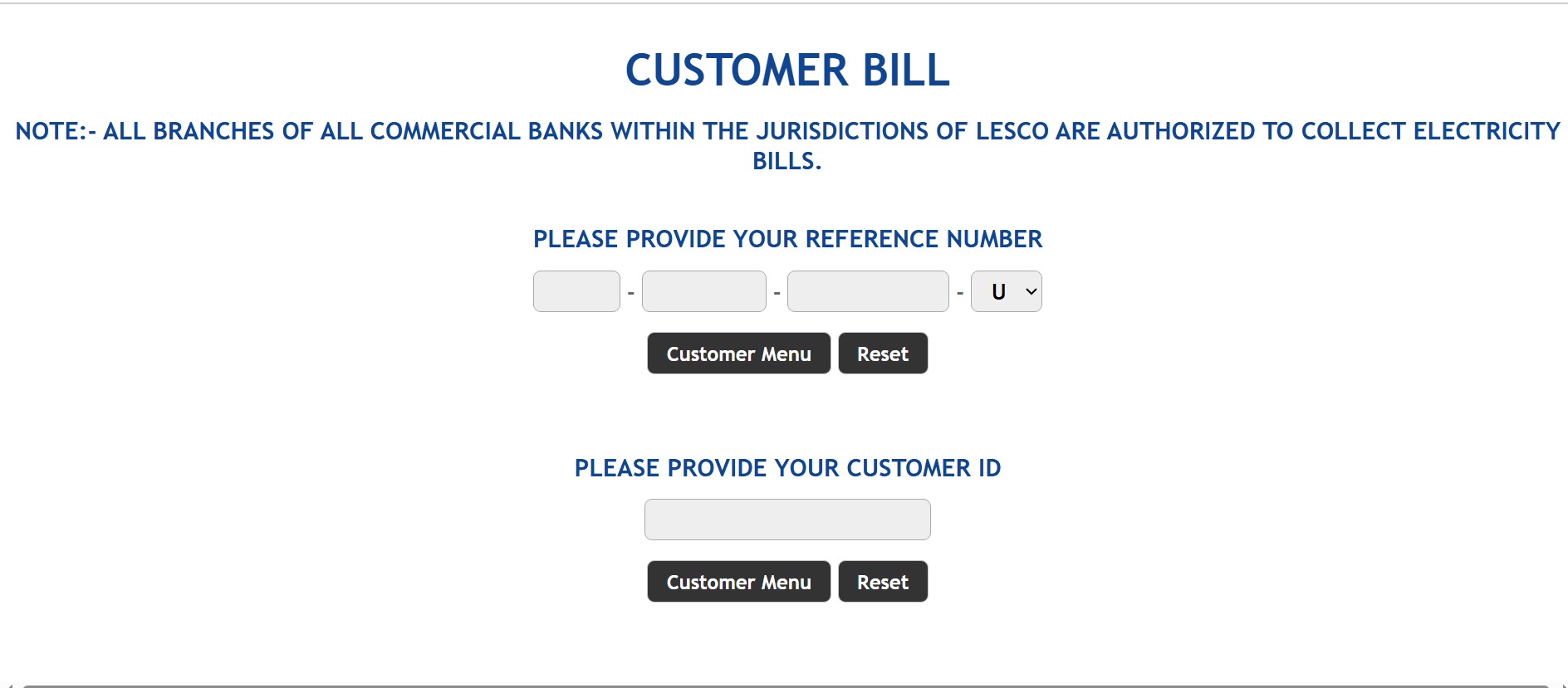
Checking your LESCO bill online is straightforward and takes less than two minutes.
Method 1: Using LESCO Official Website
- Go to the official LESCO bill portal.
- Enter your Customer ID in the search bar.
- Click on View Bill.
- Your current bill will appear with details such as due date, amount, and units consumed.
Method 2: Via Mobile Apps (JazzCash, Easypaisa, Banks)
- Open your preferred app.
- Select Bill Payment → Electricity → LESCO.
- Enter your Customer ID.
- Confirm and view bill details instantly.
Method 3: SMS Bill Check Service
- Type LESCO Customer ID.
- Send it to 8118.
- Receive bill details via SMS.
How to Download Duplicate LESCO Bill
If you didn’t receive your bill at home, follow these steps:
- Open the LESCO online portal.
- Enter your Customer ID.
- Select Download / Print Bill.
- Save it as a PDF or print directly.
This duplicate bill can be used for payment at banks or retail outlets.
LESCO Bill Payment Methods
You can pay your LESCO bill both online and offline.
- Online Payments: JazzCash, Easypaisa, HBL, Meezan Bank apps.
- Offline Payments: Bank branches, Pakistan Post, retail shops.
- ATM Payments: Supported by major banks.
LESCO Bill Tariffs & Unit Rates 2025
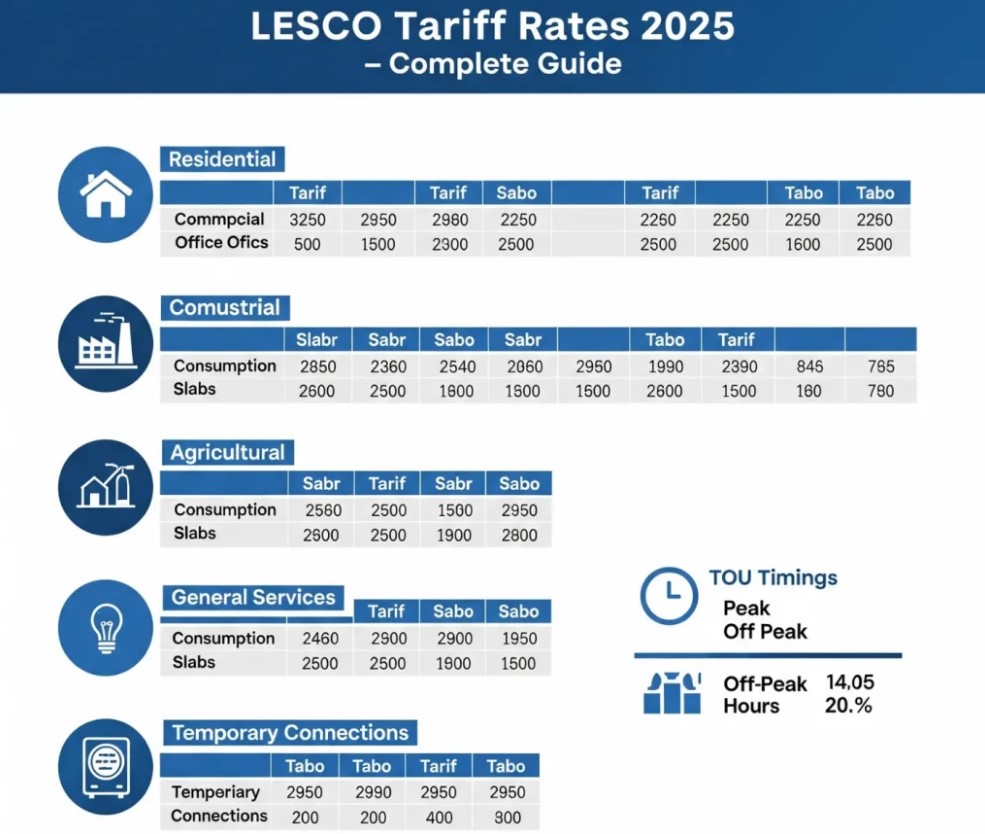
| Units Consumed | Price Per Unit (Approx.) | Extra Charges |
| 1 – 100 units | Rs. 5 – 7 | TV fee, GST |
| 101 – 200 units | Rs. 9 – 11 | GST, duty |
| 201 – 300 units | Rs. 12 – 14 | Surcharge |
| 301 – 700 units | Rs. 16 – 19 | Fuel price adj. |
| Above 700 units | Rs. 22 – 25 | GST, late fee |
LESCO New Connection Guide
Consumers can apply for a new connection through the ENC (Electricity New Connection) portal.
Steps:
- Visit ENC Portal.
- Fill application with CNIC, property docs, and contact info.
- Submit and download tracking ID.
- Pay the demand notice.
- Connection installed by LESCO team.
Common Issues in LESCO Bills & Solutions
- Bill not received → Download duplicate bill online.
- Wrong meter reading → File complaint with photo evidence.
- Overbilling → Contact helpline 118.
- Paid bill not updated → Wait 24 hours, then call customer support.
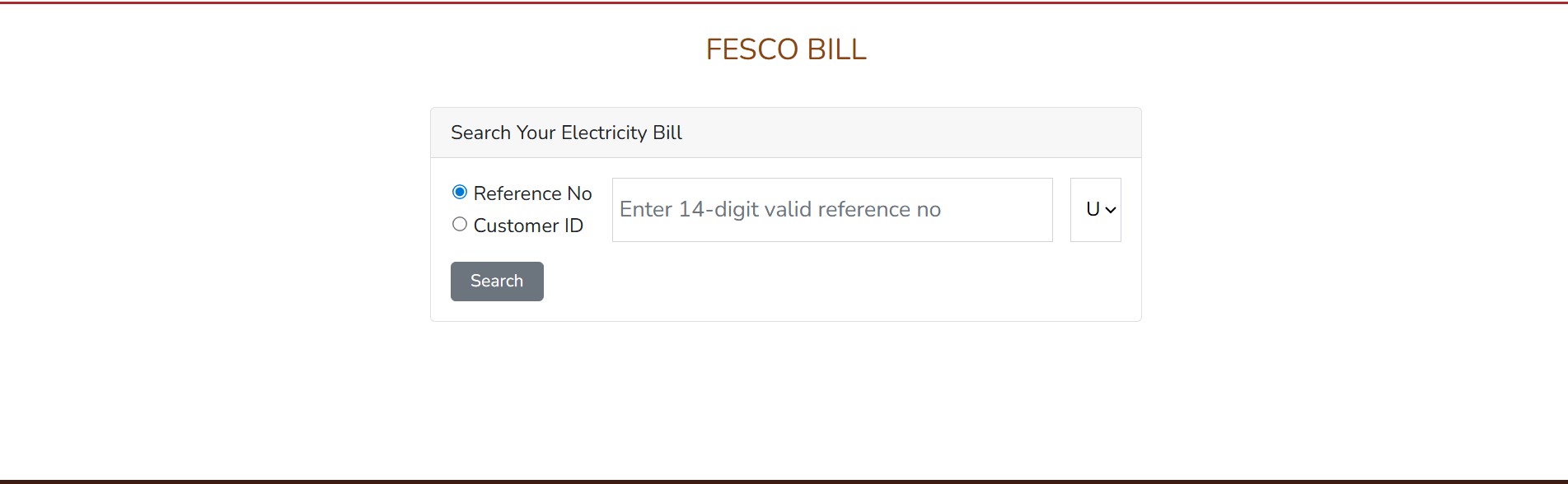
FESCO Bills: A Quick Overview
Just like LESCO, FESCO (Faisalabad Electric Supply Company) serves millions of customers in Faisalabad, Sargodha, Jhang, and Mianwali.
How to Check FESCO Bills Online
- Visit FESCO’s bill portal.
- Enter reference number or Customer ID.
- View and download your bill instantly.
FESCO vs LESCO – Key Differences
| Feature | LESCO | FESCO |
| Coverage | Lahore, Kasur, Okara, Sheikhupura | Faisalabad, Sargodha, Jhang, Mianwali |
| Customers | 5M+ | 4M+ |
| Bill Check | Customer ID, Reference Number | Reference Number |
| Payment | JazzCash, Easypaisa, Bank Apps | JazzCash, Easypaisa, Bank Apps |
LESCO Helpline & Customer Care Services
- Helpline: 118
- SMS Service: 8118
- Email: customercare@lesco.com.pk
- Website: Lesco bills check
Conclusion
The online bill check LESCO system has transformed bill management for millions of consumers. With easy access via Customer ID, users can now check, download, and pay bills anytime. Moreover, the inclusion of mobile apps, online banking, and SMS services ensures convenience.
For residents of Faisalabad and nearby areas, FESCO bills follow a similar process, making electricity billing across Punjab more consumer-friendly.
Managing bills online isn’t just time-saving it’s the future of utility management in Pakistan.
FAQs About Online Bill Check LESCO
Q1. How can I check my LESCO bill online?
Visit LESCO’s official site, enter your Customer ID, and view your bill instantly.
Q2. Can I pay my LESCO bill through Easypaisa?
Yes, Easypaisa allows quick and secure bill payments.
Q3. What’s the difference between Customer ID and Reference Number?
Customer ID is shorter and easier; reference number is longer but still valid.
Q4. How to get a duplicate LESCO bill?
Use the online portal and download your bill in PDF.
Q5. Does LESCO send SMS alerts?
Yes, by sending your Customer ID to 8118.
Q6. How do FESCO bills differ from LESCO bills?
Both serve different regions but follow similar payment methods.
Related Articles:
LESCO Online Bill Check by Customer ID 2025 Easy Guide to View & Pay Electricity Bill
FESCO Bill Calculator 2025 – Check Estimated Units & Amount
How to Pay LESCO Bill Online via JazzCash, Easypaisa & Banking Apps
LESCO Online Bill and FESCO Bill Check Online Free in Pakistan
lesco online bill and fesco bill check online free In Pakistan
Top 5 Ways to Check LESCO Bill Online Without Any Hassle
LESCO Bill Calculator 2025 Check Estimated Units & Amount
How to Download LESCO Duplicate Bill Online (Free & Easy Guide)
Recent Posts:
- LESCO Online Bill Check 2026 And download Duplicate bill

- LESCO Online Bill Complete Guide to Check, Download and Pay Your Electricity Bill Online (2026)

- LESCO Duplicate Bill Check & Download LESCO Bill Online (2026 Guide)

- FESCO Online Bill Check 2026 Check, Download & Print Duplicate Bill Instantly

- LESCO Online Bill Check by Customer ID 2026 Complete Guide

- Online Bill Check LESCO Easy Method to Check and Download Your LESCO Bill Online (2026 Guide)

- LESCO Online Bill Check Complete 2026 Guide

- LESCO Online Bill Check 2026 – Fastest Way to View, Download & Pay Your Electricity Bill
For more Information: Click Here
Official Website: Click Here