How to Pay LESCO Bill Online via JazzCash, Easypaisa
Table of Contents
Introduction
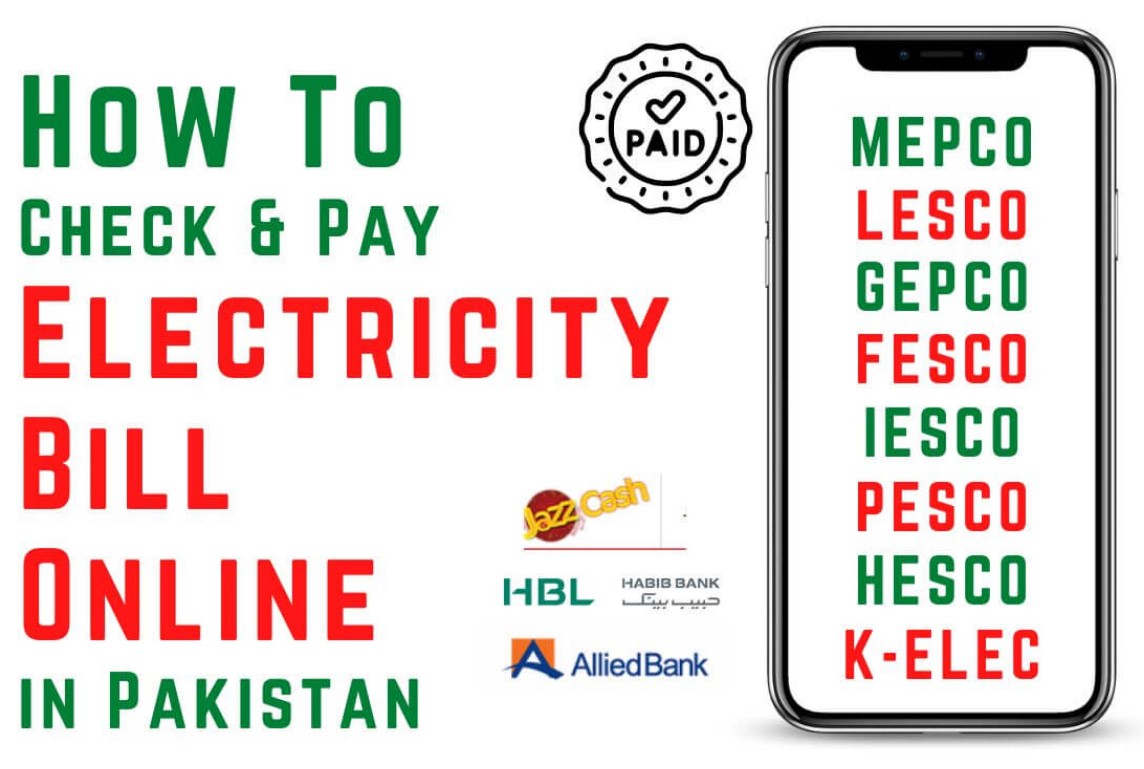
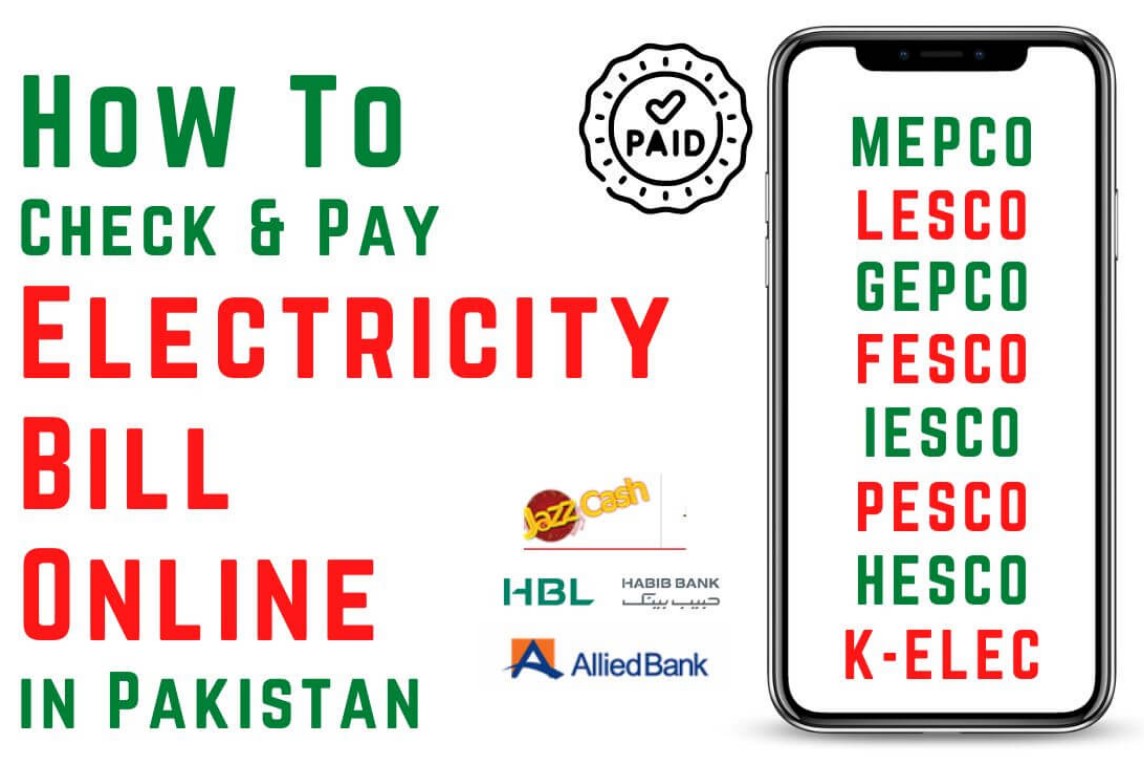
In today’s fast-paced digital era, no one wants to stand in long queues at banks or payment centers just to pay electricity bills. Especially for Lahore Electric Supply Company (LESCO) users, the option to pay the LESCO Bill Online has become a major convenience. With mobile wallets like JazzCash, Easypaisa, and different banking apps, paying your electricity bill is now just a few taps away. This guide will walk you through every possible method to pay your LESCO bill online safely, quickly, and without hassle.
Why Pay LESCO Bill Online?
Paying your LESCO Bill Online not only saves time but also ensures you don’t miss deadlines. Gone are the days when you had to stand in queues with your printed bill. Now, with online platforms, you can:
- Pay anytime, anywhere (24/7).
- Avoid late payment surcharges.
- Keep a digital record of all your payments.
- Enjoy secure and reliable transactions.
- Use multiple payment methods (mobile wallets, debit/credit cards, internet banking).
By using online payment methods, you’re not just saving time—you’re also contributing to a digital Pakistan.
How to Pay LESCO Bill Online via JazzCash
One of the most widely used methods to pay LESCO Bill Online is through JazzCash mobile wallet. Here’s a step-by-step guide:
Step 1: Open the JazzCash App
Download the JazzCash app from the Google Play Store or Apple App Store. Log in with your registered mobile number.
Step 2: Select Bill Payment
On the homepage, tap on “Bill Payments”.
Step 3: Choose Electricity
Select Electricity from the list of bill payment categories.
Step 4: Select LESCO
From the list of electricity companies, choose LESCO (Lahore Electric Supply Company).
Step 5: Enter Reference Number
Now enter your 14-digit reference number, which is available on your LESCO bill.
Step 6: Verify Bill Details
The system will show your bill amount, due date, and payable amount. Double-check to avoid errors.
Step 7: Confirm and Pay
Tap on “Pay”, enter your MPIN, and your payment will be processed instantly. You’ll receive a confirmation SMS from JazzCash.
Benefits of Paying via JazzCash:
- Instant confirmation of payment.
- Option to save bill details for future payments.
- Works even if you don’t have a bank account.
How to Pay LESCO Bill Online via Easypaisa
Easypaisa is another reliable mobile wallet to pay your LESCO Bill Online. With its simple interface, anyone can easily manage utility payments.
Step 1: Login to Easypaisa
Download and open the Easypaisa app, then log in with your account.
Step 2: Go to Bill Payments
Tap on the “Bill Payments” section from the dashboard.
Step 3: Select Electricity
Choose the Electricity option.
Step 4: Select LESCO
Pick LESCO from the electricity provider’s list.
Step 5: Enter Reference Number
Add your 14-digit reference number from your electricity bill.
Step 6: Review and Pay
The app will show your outstanding bill details. Confirm and tap on Pay Now.
Step 7: Payment Confirmation
You’ll instantly receive an SMS confirming that your LESCO Bill Online payment was successful.
Why Choose Easypaisa?
- Available for all mobile networks.
- Works without requiring a bank account.
- User-friendly app interface.
How to Pay LESCO Bill Online via Banking Apps
Almost all major banks in Pakistan provide online bill payment options through their mobile apps. This is another secure and fast way to pay your LESCO Bill Online.
General Steps for Payment through Banking Apps:
- Login to Your Banking App – Use your credentials to access your bank’s mobile app.
- Go to Payments Section – Select Bill Payments.
- Choose Electricity Bill – Tap on the electricity bills option.
- Select LESCO – Choose Lahore Electric Supply Company (LESCO) from the list.
- Enter Reference Number – Input the 14-digit reference number found on your bill.
- Verify Details – Double-check the payable amount and due date.
- Confirm and Pay – Finalize the payment, and you’ll receive confirmation via SMS/email.
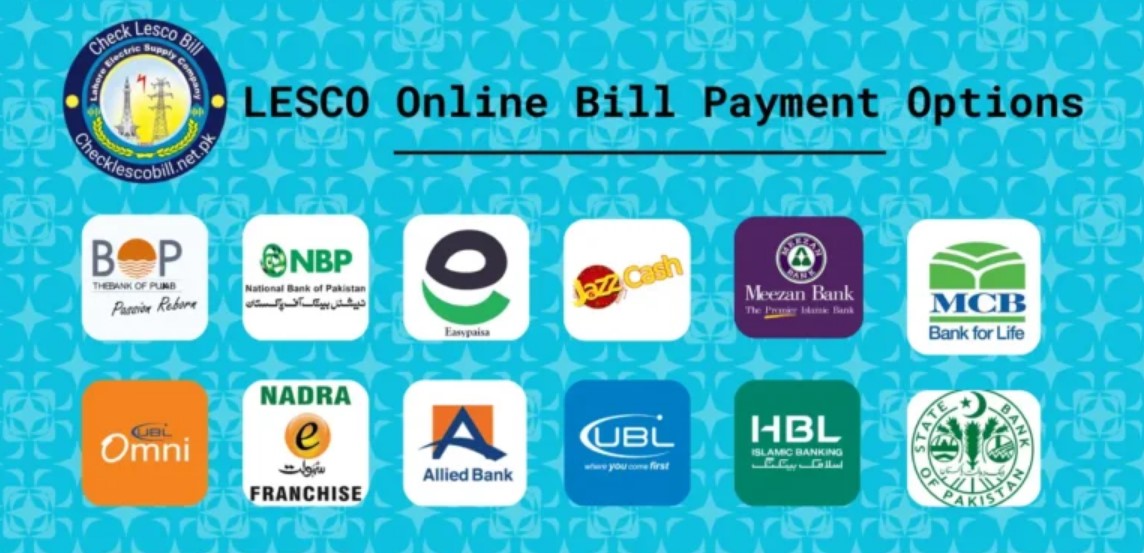
Popular Banking Apps Offering LESCO Bill Payment:
- HBL Mobile App
- UBL Digital App
- Meezan Bank App
- Allied Bank MyABL
- MCB Mobile Banking
- Standard Chartered App
All these apps allow you to make instant payments without needing to visit the bank branch physically.
Benefits of Paying LESCO Bill Online
Paying your LESCO Bill Online comes with many advantages that traditional methods don’t offer:
- 24/7 Accessibility – Pay bills even at midnight.
- Time-Saving – No more standing in queues.
- Secure Transactions – Encrypted payment gateways ensure safety.
- Digital Receipts – You get confirmation instantly on your mobile.
- Multiple Payment Options – JazzCash, Easypaisa, debit/credit cards, and banking apps.
Common Problems & Their Solutions
Even though paying the LESCO Bill Online is convenient, sometimes users face issues. Here are some common ones:
- Incorrect Reference Number – Always double-check your 14-digit reference number.
- App Not Responding – Update your JazzCash, Easypaisa, or banking app regularly.
- Payment Failure – Ensure you have sufficient balance in your account.
- No Confirmation SMS – Contact customer support or check payment history in the app.
Tips for Safe Online Payments
To ensure your LESCO Bill Online payment is secure:
- Only use official apps (JazzCash, Easypaisa, or your bank’s app).
- Avoid using public Wi-Fi when making payments.
- Save your payment receipt for future reference.
- Enable SMS/email alerts for all transactions.
Future of Online Bill Payments in Pakistan
The trend of online utility bill payments is rapidly increasing in Pakistan. With more banks and mobile wallets integrating advanced features, paying your LESCO Bill Online will become even faster and more secure. Soon, users will also enjoy AI-powered reminders, automatic debit options, and more integration with digital wallets.
Final Thoughts
The process of paying your LESCO Bill Online has become more accessible and user-friendly than ever before. Whether you use JazzCash, Easypaisa, or banking apps, the procedure is quick, secure, and convenient. With just a few taps, your bill can be paid in seconds, without the stress of long queues or missed deadlines.
FAQs – LESCO Bill Online Payment
Q1: Can I pay my LESCO bill after the due date using online apps?
Yes, but a late payment surcharge will be added automatically.
Q2: What if my payment fails but the amount is deducted?
Usually, the deducted amount is reversed within 24–48 hours. Contact JazzCash, Easypaisa, or your bank for confirmation.
Q3: Is paying the LESCO bill online safe?
Yes, it’s completely safe if you use official apps and secure internet connections.
Q4: Can I pay multiple LESCO bills from one account?
Yes, you can add multiple reference numbers and pay bills for different connections.
Q5: Will I get a receipt after online payment?
Yes, all apps provide digital receipts and confirmation SMS for each successful transaction.
Related Articles:
LESCO Online Bill and FESCO Bill Check Online Free in Pakistan
lesco online bill and fesco bill check online free In Pakistan
Top 5 Ways to Check LESCO Bill Online Without Any Hassle
LESCO Online Bill Check by Reference Number & CNIC Updated Guide
LESCO Bill Calculator 2025 Check Estimated Units & Amount
How to Download LESCO Duplicate Bill Online (Free & Easy Guide)
LESCO Bill Online Check 2025 Latest Method Step by Step
LESCO Latest Updates 2025 Lesco Smart Meters, Solar Net-Metering and Easy Connection Guide
Recent Posts:
- LESCO Online Bill Check 2026 And download Duplicate bill

- LESCO Online Bill Complete Guide to Check, Download and Pay Your Electricity Bill Online (2026)

- LESCO Duplicate Bill Check & Download LESCO Bill Online (2026 Guide)

- FESCO Online Bill Check 2026 Check, Download & Print Duplicate Bill Instantly

- LESCO Online Bill Check by Customer ID 2026 Complete Guide

For more information Click Here
Official Website: Click Here